App Screenshot Generator for App Store & Google Play
Choose a store-ready template, drop in real app screens, and use AI-assisted copy and localization before exporting iPhone, iPad, Android, and Google Play screenshot assets.
No account required · Save after preview
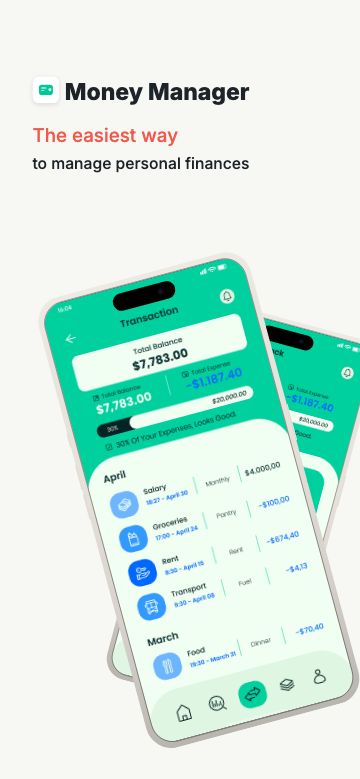
Finance
Clean metrics + charts
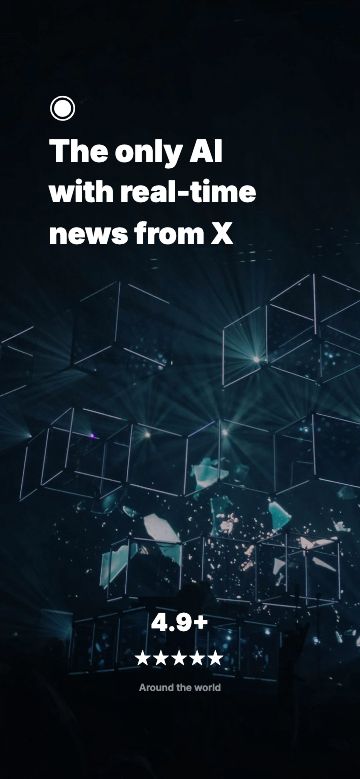
AI
Dark assistant launch
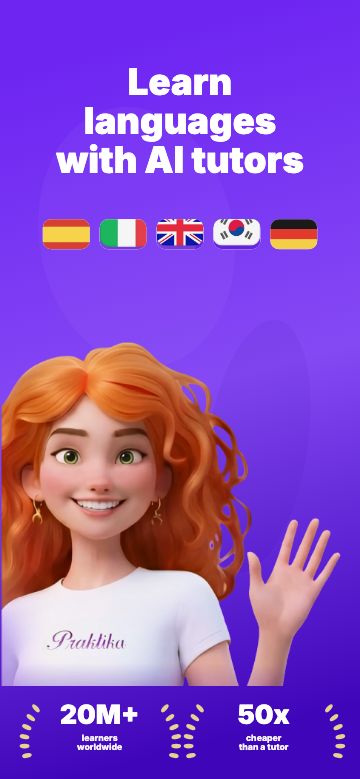
Language
Playful App Store set
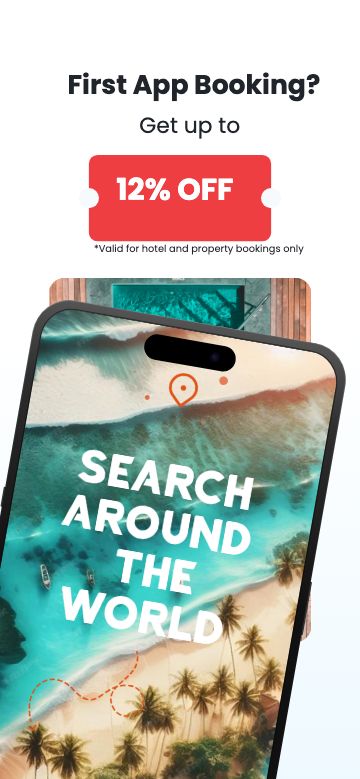
Travel
Booking flow showcase
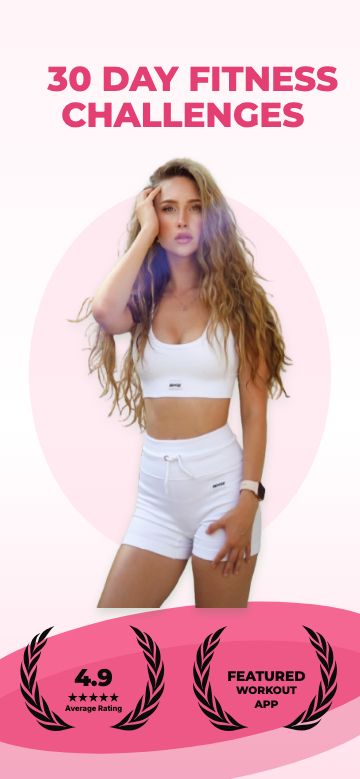
Fitness
Workout challenge set
Turn raw app screens into a store-ready project.
Upload real app screens, let AI match them to ScreenKit's built-in template systems, and open an editable screenshot set in the editor.
Upload real screens
Start with the same app screenshots you already have.
Match a template
AI compares the screens against ScreenKit's premium template directions.
Edit the set
The result becomes an editable screenshot project, not a fake recording.
ScreenKit AI template demo
Raw screens to template-ready set
A motion demo of upload, template matching, generated copy, and editor handoff.
Start with screenshots that already look finished
Real templates, rendered from the same editor you use after signup. Pick a direction, swap the screens, and keep moving.
Try before you trust us
Try the store workflow before signing up
Use current App Store and Google Play sizes, real templates, and browser-based checks before you decide if ScreenKit fits your launch workflow. No credit card, no Figma setup.
Why it feels faster
The boring store rules are handled.
ScreenKit keeps the workflow focused on what changes installs: clear screenshots, correct sizes, and fast iteration.
Built around store specs
Apple 6.9-inch iPhone, iPad 13-inch, and Google Play dimensions are baked into the canvas.
Templates do the visual work
Use finished screenshot systems instead of rebuilding App Store artboards from scratch.
Localization stays practical
Translate screenshot copy when you need variants for more markets without opening another tool.
Browser-based export
Design, render, and download store-ready screenshots without installing Figma, Sketch, or Photoshop.
From raw screen to store asset
A practical flow for App Store screenshots, Google Play screenshots, and the localized variants you put off until the last minute.
Pick a store-ready template
Start with a layout built for App Store and Google Play screenshots.
Drop in real screens
Replace the placeholders, tweak the headline, and keep the design intact.
Export every size
Download the required iPhone, iPad, and Android assets from one design.
You ship apps. Not screenshot chores.
The rough parts of screenshot work are exactly where ScreenKit should feel calm, practical, and fast.
- "What are the sizes again?" every single launch
- 5 devices × 4 languages = 20 manual exports
- Wrestling design tools you don't use daily
- Uploads rejected because dimensions were off
- One design, current store sizes exported
- 6.9-inch iPhone and iPad specs built in
- Minutes from template to finished screenshot
- 4 device styles ready to drag and drop
Frequently asked questions
Everything you need to know before you start.
Yes. The Free plan lets you create 1 project with up to 5 exports, forever. You only pay for Pro when you need unlimited projects and exports, premium templates, all device frames, or batch multi-size export. No credit card required to start.
Free App Store & Google Play resources
Reference guides for every 2026 store size, free generators for every device, and honest comparisons of every screenshot tool we tested.
Screenshot Guides
Screenshot Templates
Size & Spec Guides
- App Store Screenshot Sizes for iPhone & iPad
- iPhone Screenshot Sizes for App Store
- iPad Screenshot Sizes for App Store
- Google Play Screenshot Size: 1080×1920 & Rules
- Android App Screenshot Sizes & Dimensions
- iPhone 16 Pro Max Screenshot Size & Dimensions
- App Store Preview Video Size & Dimensions
- Google Play Feature Graphic Size: 1024x500
- All specs
Free Screenshot Generators
- Free App Screenshot Generator
- App Store Screenshot Generator
- AI App Screenshot Generator
- App Screenshot Builder
- AI App Store Screenshot Generator
- Google Play Screenshot Generator
- Google Play Feature Graphic Checker
- Google Play Screenshot Size Checker
- iPhone Screenshot Generator
- iPad Screenshot Generator
- Android Screenshot Generator
- App Store Screenshot Copy Generator
- App Store Screenshot Localization Tool
- App Store Search Preview
- App Store Screenshot Size Checker for iPhone & iPad
- App Store App Preview Video Size Checker
- iPhone 16 Pro Max Screenshot Generator
- Google Pixel Screenshot Generator
- Game App Store Screenshot Generator
- SaaS App Screenshot Generator
- Fitness App Screenshot Generator
- All tools
Get your next store update out.
Professional App Store and Google Play screenshots in minutes. Free to start, no credit card required.